Game-Ready vs Cinematic Characters:
What’s the Difference?
& Which Do You Need?

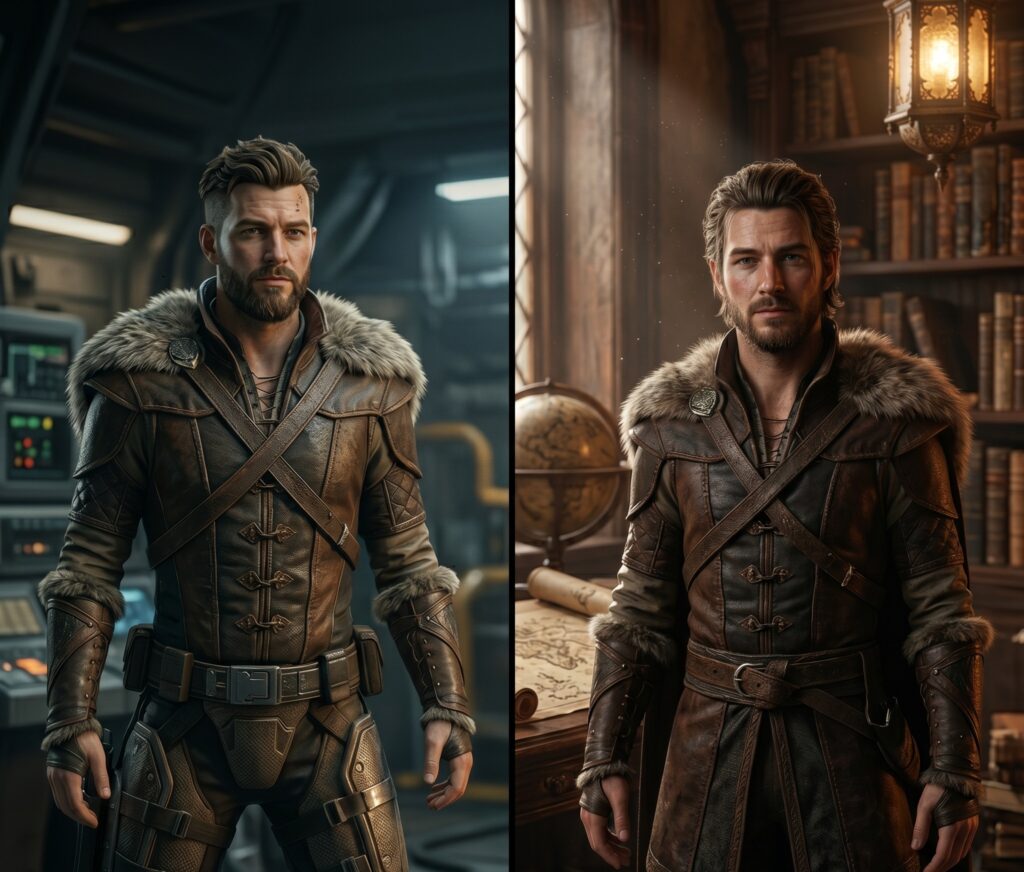
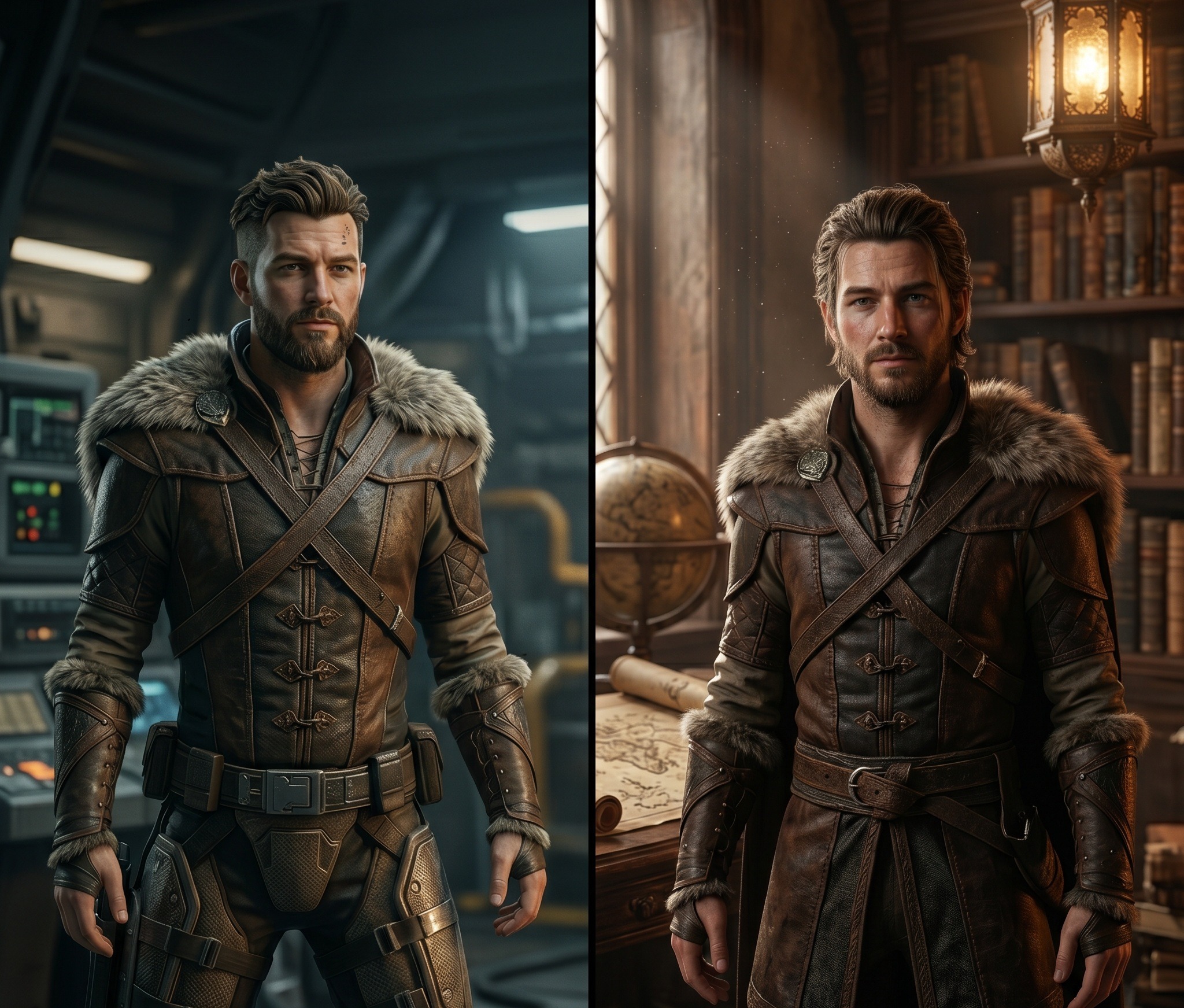
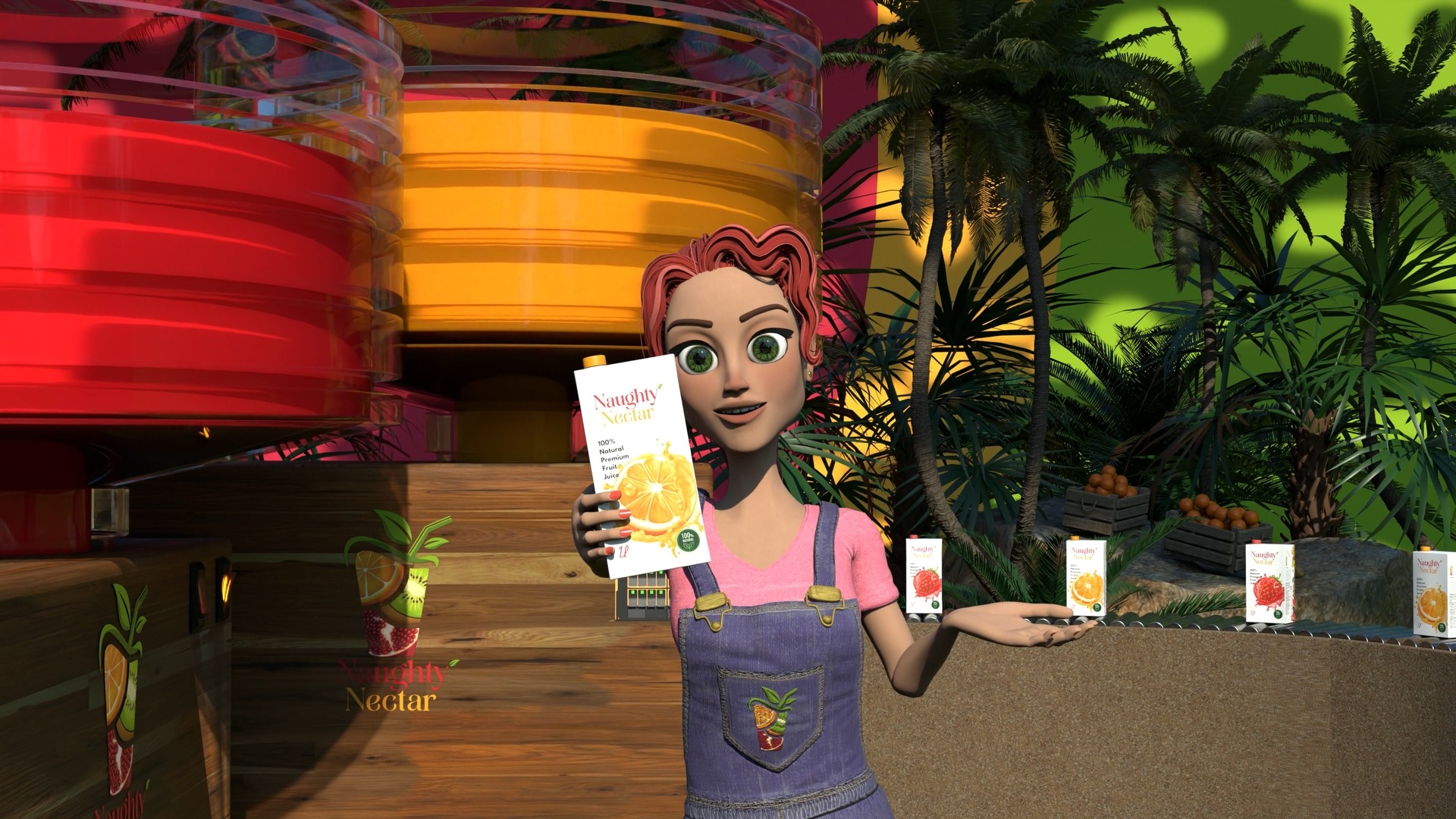
Cinematic render vs. Game render

If you've ever briefed a 3D artist and been asked "is this for real-time or cinematic?" — and had no idea what to say — this article is for you. It's one of the most important questions in 3D character production, and getting the answer wrong can cost you time, money, and a lot of frustration.

The one-line summary

Game-ready characters are built to run. Cinematic characters are built to impress. Same concept — completely different pipeline. Mix them up and you'll either crash your engine or end up with a render that looks like it's from 2009.

The Core Difference

At the most fundamental level, the difference comes down to where the character will live.

A game-ready character is built to run in a real-time engine — Unreal, Unity, Godot. It needs to perform live, respond to player input, and render at 60+ frames per second alongside hundreds of other assets. Every polygon, every texture, every bone counts. Efficiency is everything.

A cinematic character is built to be rendered — frame by frame, offline, with as much computing power as you can throw at it. There are no real-time constraints. The goal isn't performance; it's perfection.

Game-Ready

Built to Run

  • 10K–80K polygons
  • 2K–4K texture sets
  • Optimised bone hierarchy
  • Multiple LOD variants
  • Real-time rasterisation
  • Engine-compatible rig
Cinematic

Built to Impress

  • Tens of millions of polygons
  • 16K–32K+ texture sets
  • Muscle & jiggle simulation
  • No LOD requirements
  • Offline path tracing
  • Corrective blend shapes
Before After

Polygon Count: The Most Visible Gap

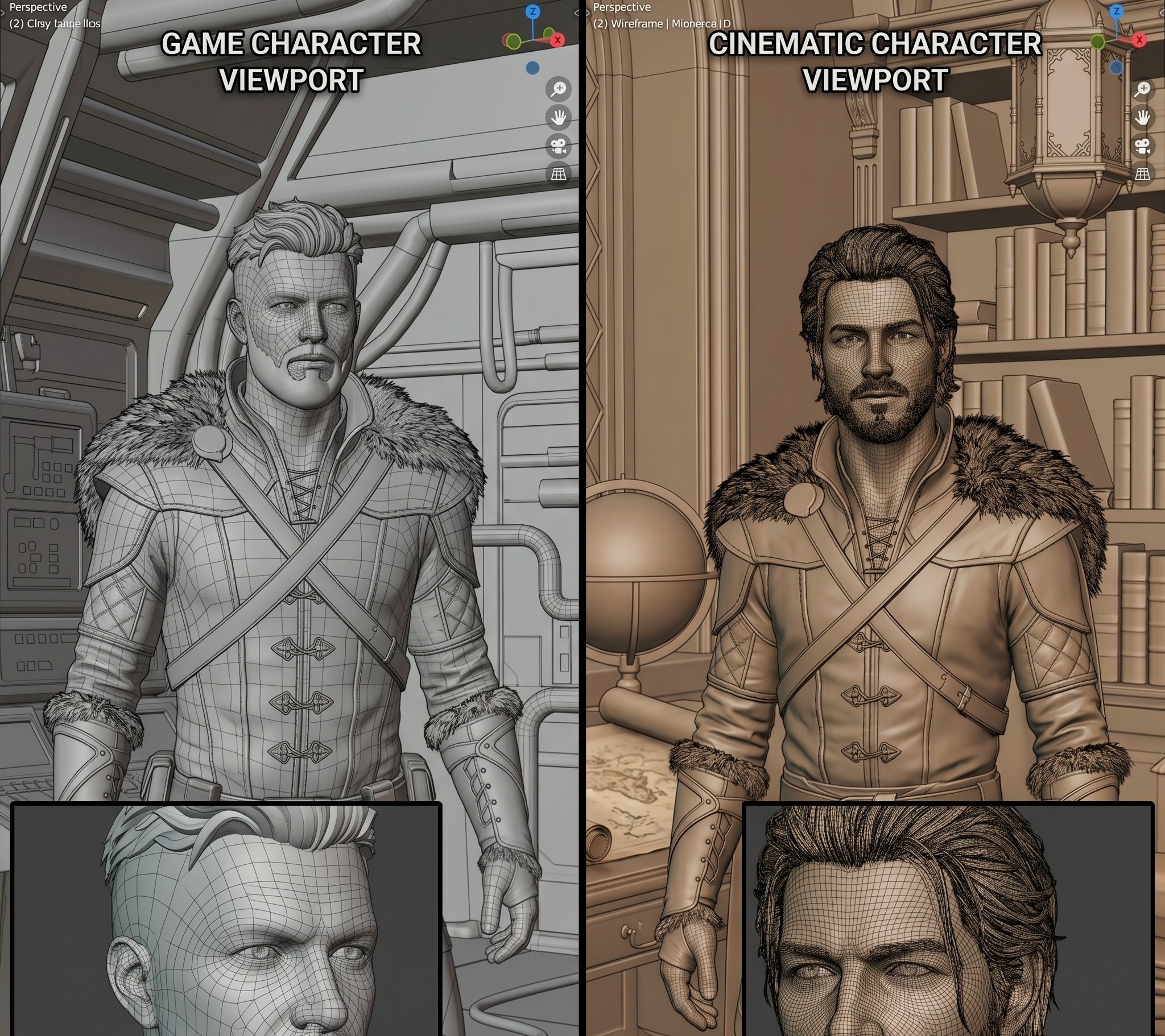
This is where the difference hits hardest. A game-ready hero character in a AAA console title might push 100,000 polygons — and that's the ceiling. A cinematic character has no ceiling. A single high-poly sculpt can run into the tens of millions, with every pore, wrinkle, and hair strand modelled in full geometry.

10K–80K Typical game character polygon range
10M+ High-poly cinematic sculpt polygons
60fps Real-time rendering target in-engine

"Normal maps are the most important trick in real-time rendering — baking the detail of a 10-million polygon sculpt into a texture that fools the eye. Cinematic characters don't need the trick. They carry the real thing."

Topology: Clean for Games, Sculpted for Film

Topology — the flow of edges and faces across a mesh — matters enormously in games. Quad-dominant meshes, proper edge loops around joints and facial muscles, consistent polygon density. Bad topology causes ugly deformation the moment your character moves.

For cinematic characters, the high-poly sculpting phase can be more freeform. That mesh is just the source of truth for baking — not the thing that gets animated. A retopology pass happens before rigging regardless. In short: game-ready topology has to be right from the start. Cinematic topology can be corrected in post.

Texturing: PBR Either Way, But the Detail Is Worlds Apart

Both pipelines use PBR (Physically Based Rendering) today — albedo, roughness, metallic, normal, ambient occlusion. The principles are the same. But the resolution and complexity differ significantly.

💡

Pro tip: Game-ready characters typically work with 2K or 4K texture sets. Cinematic characters can use 16K, 32K, or tiled procedural textures with no memory ceiling — skin shaders with full subsurface scattering, strand-based hair systems like XGen, the works.

Rigging & Animation: Where the Pipelines Really Diverge

Game rigs are built for real-time skeletal animation. Defined bone hierarchy, blend shapes for facial animation, engine compatibility. Every bone has a performance cost, so rigs stay as efficient as possible.

Cinematic rigs can be extraordinarily complex — muscle simulation, jiggle dynamics, cloth and hair physics, hundreds of corrective blend shapes. The kind of setup you need to make a character cry convincingly in a close-up. Quality of motion, not efficiency.


LODs: A Game-Specific Requirement

Level of Detail (LOD) is something cinematic pipelines never think about — and game pipelines can't live without. LODs are lower-resolution versions the engine swaps in as a character moves further from camera. A proper game-ready delivery includes LOD0 through LOD3, each with scaled textures and stripped geometry. Getting this right is part of what separates a professional game-ready asset from something that just happens to load in an engine.

Which One Do You Need?

Use this quick-reference table before you brief a studio — knowing the answer upfront will shape your budget, your timeline, and what's technically possible.

Use Case You Need
Game or interactive experienceGame-Ready
Cinematic trailer or cutsceneCinematic
Brand campaign or social contentCinematic
Virtual influencerBoth
NFT / digital collectible revealCinematic
App or mobile gameGame-Ready
Animation seriesCinematic
Mascot used across all platformsBoth

Can You Have Both?

Yes — and this is where the work gets interesting. The ideal workflow starts with a high-poly cinematic sculpt as the master asset, then a retopology and baking pass to produce the game-ready version. One character that looks stunning in a reveal trailer and runs cleanly in your engine — built from the same creative source, without doubling the concept work.

It costs more than building one or the other. But for IP-driven projects — game franchises, brand mascots, virtual influencers — it's the most cost-effective approach in the long run.

Get in touch with us

Ready to build something unforgettable? Whether you have a fully fleshed-out brief or just a spark of an idea, we'd love to hear from you. Drop us a message and we'll get back to you within 24 hours.

You’re paying for attention you’re not keeping. 105  Views South Africa has one of the highest small business failure rates on the …

Your ads aren’t broken. Your brand is. 110  Views Every week, somewhere on the internet, a business owner posts the same question …

3D Animation for Small Businesses Stop Losing Customers to the Scroll 1692  Views Your potential customer scrolls through 90 metres of content …

How to Brief a 3D Character Artist 824  Views Let’s be honest. Most creative briefs are terrible. Not because clients are bad …

Ready to start your project?

hambapixel.com · Studio & freelance 3D

The idea doesn't have to be ready. You do.

Rough concepts welcome. We help shape the brief, scope the budget, and tell you honestly what’s possible. No pressure, no pitch.

Lets-Talk

Every project here started exactly like this.

Someone clicked. Typed something rough. We figured it out together. Your turn.

Egg

Still figuring out
your 3D brief

Join the monthly — we break down real projects so you don't have to start from scratch.

exit_intent_popup

Free Resource

The 3D Character Brief Checklist — every field your studio or freelancer needs before modelling starts. One page, free PDF.

Popup-60p
Let's hear it.

Fill in the basics — we'll take it from there.